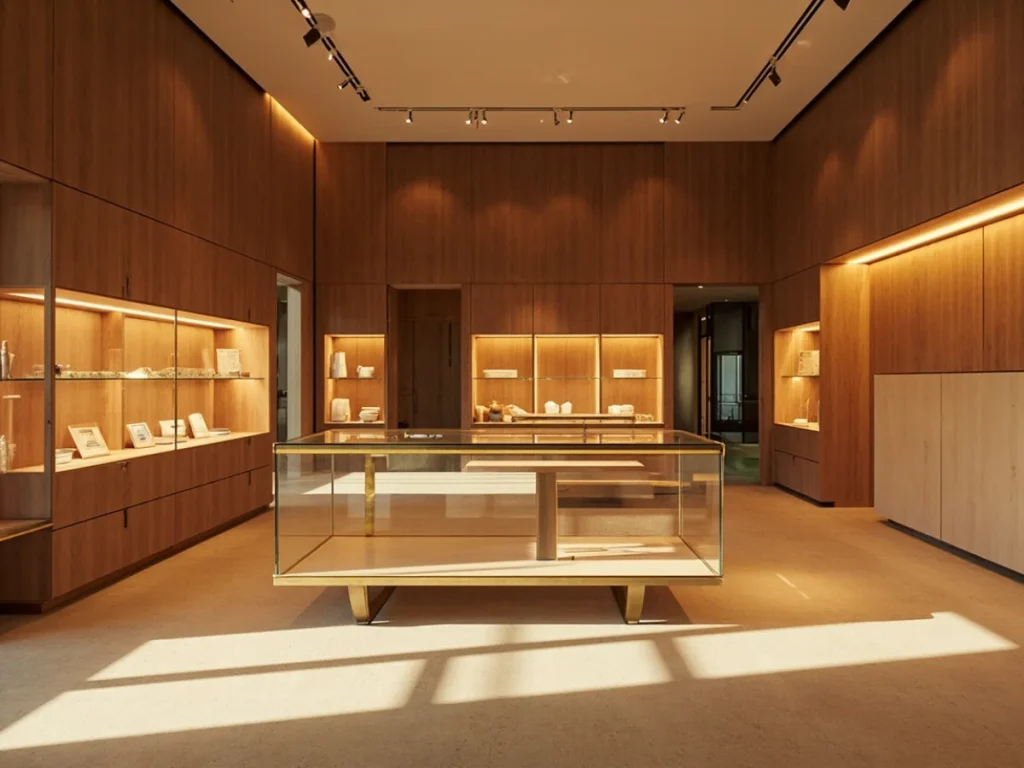
A museum display case is a micro-climate. Behind the glass, temperature and relative humidity can drift by several percent within a single day, and the objects inside — parchment, ivory, painted wood, archaeological metal — respond to every fluctuation. That is why museum display case monitoring has become standard practice in serious collections care, and why the placement of data loggers matters as much as the loggers themselves. A sensor in the wrong position can read a comfortable 45% RH while the object surface sits at 60%, or it can sit in a dead zone where air barely moves. This article covers where to put loggers, how to keep them accessible for servicing, and what to check before you drill, clip, or hide anything inside a case.
Start with the object, not the logger
Before choosing a mounting point, define what you are actually measuring. Conservation guidance from bodies such as PAS 198 and ASHRAE Chapter 23 generally treats the object’s immediate environment — not the room — as the controlled variable. A logger should therefore sit as close as practical to the most sensitive material, typically within 30–60 cm of the object surface, and at a similar height. A sensor fixed to the case ceiling may read 1–2°C warmer than the shelf below because of rising air and heat from lighting. If you manage a mixed display of textiles, metals, and paper, consider one logger per micro-environment rather than averaging across the whole case.
Choosing a location inside the case
The best position balances three things: representative air, protection from light and physical damage, and serviceability. In practice, most well-instrumented cases use a location on a side wall or rear panel, at mid-height, shielded from direct lamp and window exposure. Avoid placing loggers directly above or below heat sources, in the path of door-opening turbulence, or tight against gaskets where air exchange differs from the display volume. Where a case has passive silica gel or a conditioned backboard, place the logger on the object side of the buffer so it reflects what the collection experiences.
- Side wall or rear panel, mid-height: representative air, usually out of sight, easy to reach with a slim arm or removable panel.
- Under the display deck, near vents: good for tracking conditioned supply air, but can overstate how stable the object zone really is.
- Beside the object, on a discreet bracket: best correlation with object conditions; needs careful concealment and cable management.
- Avoid: ceiling-mounted units near halogen or LED drivers, positions within 10 cm of glass that receives daylight, and anywhere a visitor’s hand or a cleaner’s cloth will reach.
Access and servicing: plan for the swap
The most common failure in museum display case monitoring is not sensor drift — it is forgetting to retrieve the logger. Batteries need replacement every 6–12 months for most compact units, and data must be downloaded or synced regularly. Design the placement so a technician can swap a unit in under two minutes without opening the case fully or moving objects. A magnetic mount or a small dedicated access hatch on the rear panel works well. Record the logger ID, location, mounting height, and calibration date on a simple case log; this takes minutes and prevents months of ambiguous data. If the case is sealed for long-term display, use a logger with a 2–3 year battery life and wireless or USB-port access rather than one that requires a sealed case to be opened.
Wireless versus wired and sealed systems
Radio signals do not pass through metal, and they attenuate through laminated and coated low-iron glass. If you specify wireless museum display case monitoring, test signal strength inside the closed case before installation — one unit may work fine while an adjacent case reads nothing. Wired probes can exit through existing grommets or a purpose-made port, but every cable entry is a potential air leak and a path for dust. Whatever you choose, seal penetrations with a neutral, non-outgassing material and keep the hole as small as the probe allows.
Commissioning and ongoing checks
Once installed, run a short commissioning period of at least two weeks with the case in normal operation. Compare the logger reading with a calibrated handheld reference and, if possible, with a second logger in a different position. A difference of more than 2% RH or 0.5°C between positions is a useful prompt to adjust placement. Review data monthly for gaps, spikes at door openings, and drift after lighting changes. At Libafang, we routinely discuss logger positions with clients during showcase design so that mounting points, cable routes, and access hatches are built in rather than retrofitted. If your cases are already in service, a small bracket and a labelled access panel usually solve the problem without modifying the case body.
Good placement is a design decision, not an afterthought. Cases that anticipate museum display case monitoring from the start are easier to service, produce cleaner data, and protect the collection more reliably. To discuss logger mounting, ventilation, or a custom showcase specification for your project, request a free design consultation and quote from Libafang — we will review your case layout and recommend practical monitoring positions before anything is built.