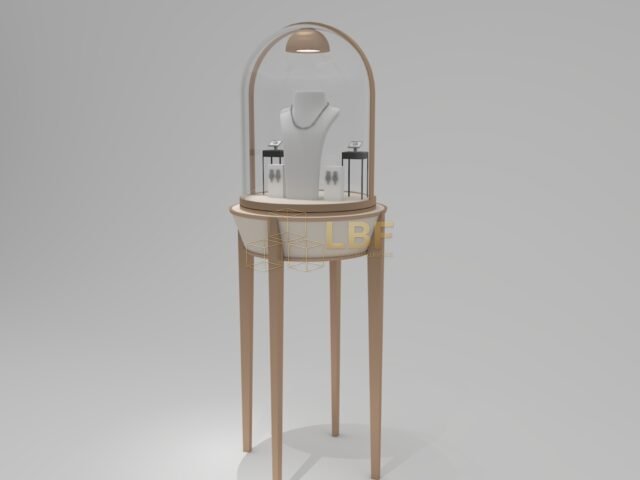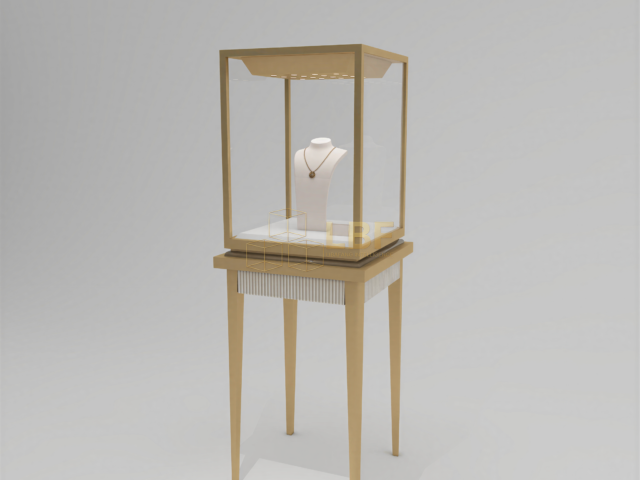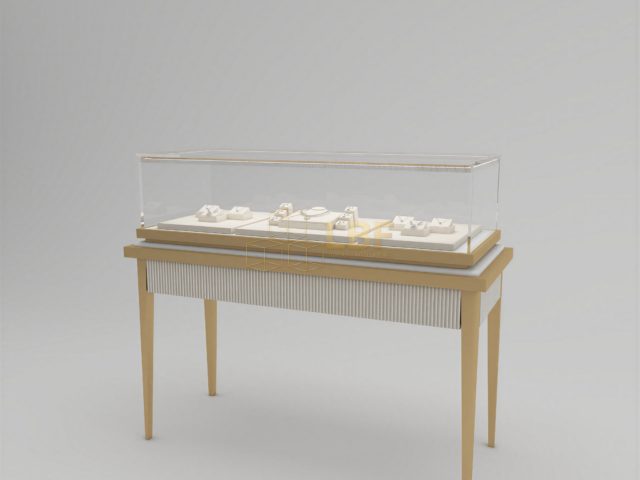
Interactive galleries boost visitor engagement, but they also create a fundamental conflict: artifacts that must be preserved for decades sit inches from hands that want to touch, test, and explore. The solution isn’t to choose between access and conservation—it’s to design display cases that physically separate vulnerable objects from hands-on elements while keeping the experience seamless. In this guide, we break down the practical decisions: barrier specifications, climate zones, material choices, and testing protocols that museum fabricators and curators use to get interactive galleries right.
Why Separation Matters: The Cost of Cross-Contamination
Every hand that touches a surface deposits oils, salts, and moisture. For a bronze artifact, a single fingerprint can etch a mark that requires professional conservation. For textiles, skin oils accelerate fiber degradation. Interactive galleries multiply this risk because visitors expect to touch something—and if the touchable element is poorly separated from the artifact, accidental contact is inevitable. Studies show that even with signage, 30–40% of visitors will reach toward an unguarded object within arm’s reach. The answer is physical separation with clear visual cues, not just warnings. A well-designed interactive gallery display case puts a barrier at the exact boundary where hands-on ends and preservation begins.
Barrier Types: From Open Access to Full Vitrines
Not every interactive element needs a full case. The right barrier depends on the artifact’s sensitivity and the type of interaction. Here are four common configurations, ordered from most open to most protected:
- Open reproduction zones: Hands-on replicas or digital screens sit outside any case; original artifacts are displayed in adjacent sealed vitrines at least 1 meter away. Best for durable artifacts and high-traffic children’s areas.
- Hybrid cases with touch windows: A single case holds both the artifact and an interactive touch panel, but a physical divider (glass or solid panel) separates them. The touch surface is easy to clean and never shares air with the artifact chamber.
- Double-chamber vitrines: Two independent climate zones inside one frame—one for the artifact (sealed, low-exchange) and one for the interactive element (ventilated, easy-access). Common for sensitive manuscripts or textiles paired with digital flipbooks.
- Full sealed vitrines with external controls: Artifacts stay in a sealed, climate-controlled case; all interaction happens via external buttons, joysticks, or motion sensors mounted on the case exterior. Used for the most fragile objects.
For most museums, the hybrid or double-chamber approach offers the best balance: visitors feel connected to the real object, but no hand ever enters the artifact’s microclimate.
Climate Control: Two Zones, One Case
Interactive elements generate heat, vibrations, and airflow—all enemies of stable artifact preservation. A touchscreen running 8 hours a day can raise local temperature by 2–4°C inside an unpartitioned case. That swing is enough to cause stress in organic materials. The fix is to treat the interactive side as a separate climate zone with its own ventilation. Key specifications for the artifact chamber:
- Air exchange rate: below 0.5 per day for sensitive collections; below 1 per day for general museum objects.
- Humidity stability: ±3% RH around the target setpoint (e.g., 50% RH for mixed collections). Use silica gel cassettes or active micro-climate controllers.
- Temperature: 18–22°C, with no more than 1°C fluctuation per hour.
- Vibration isolation: interactive elements should be mounted on separate feet or dampers so button-pressing doesn’t transmit to the artifact shelf.
A double-chamber case from Libafang typically uses a shared outer frame with independent inner gaskets—so the artifact side can be sealed while the interactive side is serviced without opening the preservation zone.
Materials and Finishes: Safe for Artifacts, Tough for Hands
Interactive surfaces take abuse: repeated cleaning with disinfectants, accidental impacts, and constant friction. Meanwhile, the artifact chamber must be inert. Choose materials accordingly. For the artifact side, use powder-coated aluminum or stainless steel with low-VOC gaskets (silicone or EPDM, not neoprene). Avoid MDF or particleboard unless fully encapsulated. For the interactive side, tempered glass or polycarbonate touch panels with anti-microbial coatings are common; solid surface materials like Corian work well for buttons and frames because they withstand harsh cleaners. Never use the same cleaning protocol on both sides—solvent-based cleaners can off-gas into the artifact chamber. Specify a physical seal between zones, and label cleaning supplies clearly.
Testing and Maintenance: Prove the Separation Works
Before opening day, run a two-part test. First, place a humidity/temperature logger inside the artifact chamber and another next to the interactive element. Operate the interactive element continuously for 48 hours (or simulate peak visitor use). The artifact chamber should stay within ±3% RH and ±1°C. Second, conduct a smoke pencil test around gaskets to check for air leakage. After opening, repeat the logger test quarterly. Maintenance schedules should include replacing gaskets every 3–5 years and recalibrating climate controllers annually. For interactive galleries, add a daily check that the physical barrier between zones is intact—visitors sometimes pry at edges.
Design Checklist for Your Next Interactive Gallery
Use this list when briefing a fabricator or reviewing a case design:
- Define the artifact’s sensitivity class (low, medium, high) and set the barrier type accordingly.
- Specify separate climate zones with independent gaskets and ventilation.
- Choose inert materials for the artifact chamber; durable, cleanable materials for the interactive side.
- Mount interactive elements on vibration dampers.
- Include a logger port and access hatch for the artifact chamber without opening the interactive side.
- Plan a cleaning protocol that never crosses zones.
At Libafang Showcase Co., Ltd., we build custom interactive gallery display cases for museums and luxury retail clients in over 30 countries. Our engineering team can help you translate conservation requirements into a workable case design—including double-chamber vitrines, touch-window hybrids, and sealed artifact cases with external controls.
Ready to protect your artifacts without sacrificing interaction? Request a free design consultation and quote today—we’ll review your gallery layout and recommend a separation strategy that fits your budget and conservation goals.